

Learning Procreate and digital art means mastering layer management, digital brushwork, colour theory on screens, and illustration workflows — skills increasingly valued across Singapore's creative industries and adjacent to the digital media and Photoshop work MOE's Primary Art Syllabus groups under its New Media art form. Whether you are a complete beginner exploring digital drawing for the first time or transitioning from traditional media, understanding how Procreate works and what structured digital art instruction at Art by Ancourage covers helps you decide the right starting point. Students at Bishan and Woodlands studios learn in small groups of 3–6 with a LASALLE-trained instructor.
As the founder of Art by Ancourage and a graduate of LASALLE College of the Arts and Goldsmiths, University of London, I have taught both traditional and digital art for over a decade. Digital art is not a replacement for traditional drawing and painting — it is a complementary medium that unlocks creative possibilities unavailable in physical media, from non-destructive layering to instant colour experimentation. The global digital art market is valued in the billions and growing at double-digit rates annually, according to industry research, reflecting expanding professional demand for digital illustration skills.
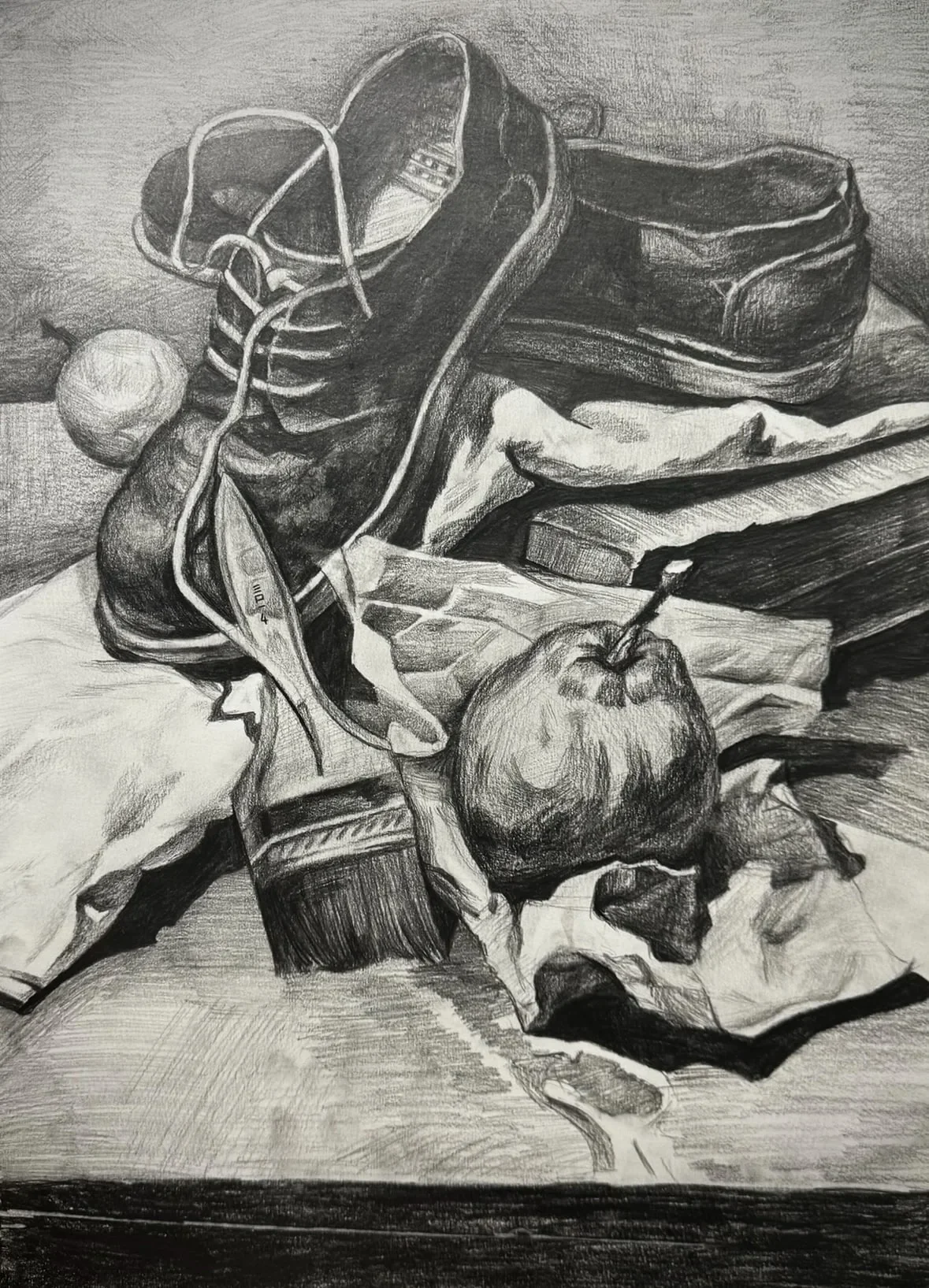
What a Digital Art Class and Digital Illustration Course Covers
Digital art classes at Art by Ancourage cover the Procreate interface and tools, digital brushwork, layer management, digital colour theory, composition and design, the digital illustration workflow from sketch to final polish, and export for print, web and social media. At Art by Ancourage digital art classes, the curriculum covers:
- Procreate interface and tools: Navigation, gesture controls, canvas setup, brush library, eraser, smudge tool, and QuickShape — building fluency with the app so that the technology supports rather than hinders creativity
- Digital brushwork: Selecting, customising, and controlling brushes for different effects — from crisp linework to soft painterly strokes. Students learn how pressure sensitivity and tilt work with Apple Pencil
- Layer management: Creating, organising, and manipulating layers — the single most powerful advantage digital art has over traditional media. Students learn clipping masks, alpha lock, blending modes, and layer opacity
- Digital colour theory: Understanding how colour works on screens (RGB) versus in print (CMYK), creating harmonious palettes, and using Procreate's colour picker, palette library, and colour dynamics
- Composition and design: Applying the same visual principles taught in traditional drawing classes — rule of thirds, focal points, visual flow — within the digital canvas
- Digital illustration workflows: From rough sketch through line art, flat colour, shading, and final polish — the complete production pipeline used by professional digital illustrators
- Export and sharing: Saving at correct resolutions for print, web, and social media. Understanding file formats (PNG, PSD, JPEG, TIFF) and colour profiles
Each technique is introduced progressively, with students first mastering individual tools before combining them in increasingly complex illustration projects.
Book a trial class (from $18) at Bishan or Woodlands to experience a full digital art session — bring your iPad with Procreate installed and receive personalised instructor feedback.
Why Procreate Is the Industry Standard for iPad Art
Procreate is the most popular digital illustration app on iPad, consistently the top-selling paid app in the Apple App Store and used by millions of artists worldwide. There are good reasons it dominates the iPad art space:
- Intuitive interface: Procreate was designed specifically for iPad and Apple Pencil, with gesture-based controls that feel natural after a short learning curve
- Professional-grade tools: Over 200 built-in brushes, advanced layer system with blending modes, perspective guides, colour dynamics, and animation tools — capabilities that rival desktop software like Adobe Photoshop
- One-time purchase: Unlike subscription-based alternatives, Procreate is a single purchase (approximately SGD 20), making it the most cost-effective professional illustration tool available
- Active community: Thousands of free and premium brush packs, tutorials, and resources created by a global community of artists
- Portability: The ability to create professional art anywhere — on the bus, at a cafe, or in the studio — has made iPad illustration one of the fastest-growing creative practices globally
At Art by Ancourage, Procreate is the primary tool taught in digital art classes because its interface best balances professional capability with learnability. Students who master Procreate develop transferable digital art skills that apply to other platforms including Clip Studio Paint, Adobe Fresco, and Photoshop.
Digital Art vs Traditional Art: Key Differences
Digital and traditional art share identical foundational principles — line, value, colour, composition — but differ significantly in workflow, tools, and creative possibilities. Understanding these differences helps students and parents decide which medium to explore first, or how to combine both.
| Factor | Digital Art (iPad / Procreate) | Traditional Art (Pencil, Paint, Canvas) |
|---|---|---|
| Error correction | Deep undo (up to 250 steps per session); non-destructive editing | Limited — erasing, painting over, or starting fresh |
| Colour experimentation | Instant — change any colour at any time | Requires mixing; changes are permanent once applied |
| Layering | Dozens of layers (limit depends on iPad RAM and canvas size); independent editing of each element | Physical layering (glazes, washes); harder to isolate elements |
| Materials cost | iPad + Apple Pencil + Procreate (one-time); no consumables | Ongoing cost for paper, paint, brushes, canvases |
| Tactile experience | Screen and stylus — less sensory feedback | Rich tactile sensation — brush on canvas, pencil on paper |
| Portability | Entire studio fits in a bag | Materials, easel, drying time — less portable |
| Career relevance | Essential for illustration, concept art, game design, UI/UX | Valued in fine art, gallery work, art therapy, teaching |
| Learning curve | Tool-learning phase before creative flow | Immediate start — pick up pencil and draw |
| Best for beginners | Builds confidence quickly (undo removes fear of mistakes) | Develops hand-eye coordination and material intuition |
Students at Art by Ancourage can combine digital and traditional art within the Explorative Art programme — spending some sessions on iPad illustration and others on drawing, painting, or mixed media. This cross-medium approach builds the most versatile creative skill set. Our round-up of the research on the benefits of art education covers the wider cognitive case for sustained creative practice.
Who Digital Art Classes Are For
Digital art classes at Art by Ancourage welcome students aged 9 and above through adults and seniors, with the instructor adapting content to each student's goals and experience level.
- Children and pre-teens (ages 9–12): Young learners explore digital drawing through fun character design, simple illustration projects, and guided Procreate exercises. The undo function reduces frustration and builds creative confidence. MOE's 2024 Primary Art Syllabus groups digital media and Photoshop under its New Media art form, so these skills carry over to school art
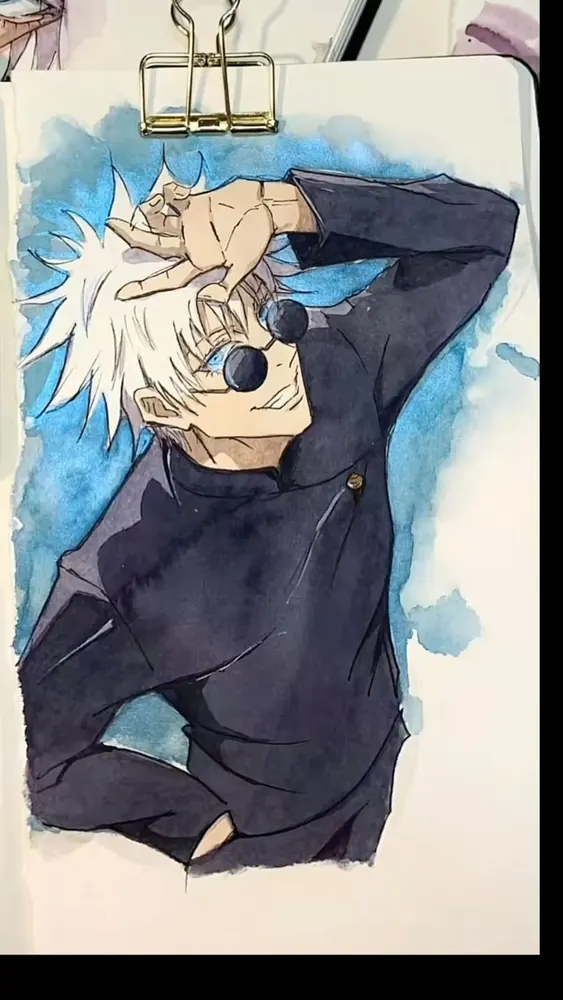
- Teens (ages 13–17): Teens often gravitate to digital art through interest in manga, anime, and online art communities. Structured classes channel this enthusiasm into proper technique, composition, and workflow skills. For DSA portfolio applicants, digital artwork demonstrates technical versatility valued by secondary schools
- Adults and hobbyists: Working professionals and hobbyists who want a creative outlet that fits a busy lifestyle. The iPad's portability means practice can happen anywhere — during lunch breaks, on commutes, or at home. No studio setup or cleanup required
- Career-changers and professionals: Adults building illustration skills for creative careers, social media content creation, freelance work, or personal projects. Digital illustration is the most in-demand visual skill across design, publishing, and media industries
- Traditional artists going digital: Experienced painters and drawing practitioners who want to add digital tools to their practice. Traditional skills transfer powerfully to digital — the fundamentals are identical, only the tools change
Singapore students ranked first globally in the OECD PISA 2022 creative thinking assessment, reflecting the nation's strength in developing creative and adaptive thinkers.
Benefits of Learning Digital Art
Digital art develops a unique combination of creative, technical, and professional skills that are increasingly relevant in education and the workplace.
- Creative confidence: The deep undo function removes the fear of making permanent mistakes. Students experiment more freely, take bigger creative risks, and develop artistic voice faster than they might in traditional media alone
- Technical literacy: Working with layers, blending modes, colour profiles, and export formats develops digital fluency that transfers to graphic design, video editing, web design, and other creative software
- Iterative thinking: Digital workflows naturally encourage iteration — refining, adjusting, and polishing work through multiple passes. This process mirrors design thinking methodology used across creative and technology industries
- Portfolio versatility: Students who can produce both digital and traditional artwork demonstrate broader capability. For DSA applications, a portfolio mixing mediums shows admissions panels creative range and technical adaptability
- Professional readiness: Digital illustration skills are essential in concept art, game design, publishing, advertising, UI/UX design, social media content, and animation. The global digital art market's rapid annual growth reflects expanding career opportunities
- Accessible practice: Unlike traditional art which requires dedicated space, materials, and cleanup, digital art requires only an iPad and Apple Pencil. Students can practise anywhere, building skills through consistent daily sketching
For a deeper look at how art education supports child development across cognitive, emotional, and social dimensions, read the art education benefits research guide.
What to Expect in a Digital Art Session
Each weekly digital art session at Art by Ancourage runs for 2 hours and follows a structured format balancing technique instruction with hands-on creative work.
- Technique demonstration (15–20 min): The instructor demonstrates the session's focus — perhaps a new Procreate tool, a digital painting technique, or a compositional approach — explaining principles and showing professional examples
- Guided practice (70–80 min): Students work on their own digital illustration project with real-time feedback. The instructor moves between students, correcting technique, suggesting improvements, and helping each learner apply the demonstrated skills. Because class sizes are capped at 3–6, every student receives meaningful individual attention
- Review and reflection (15–20 min): Each student's work is discussed: what succeeds, what to develop, and what the next session will build upon. The instructor provides written progress notes for parents of younger students
Sessions run at both Bishan (152 Bishan St 11, near Bishan MRT) and Woodlands (Vista Point, near Woodlands South MRT) on weekdays and weekends. Students bring their own iPad with Procreate installed — any iPad model supporting Apple Pencil works. The pricing page has current fees and schedule details.
Art by Ancourage Digital Art Programme
Digital art at Art by Ancourage is offered within the Explorative Art programme — students who want to focus on digital mediums can dedicate their weekly sessions entirely to iPad illustration and Procreate techniques.
Programme Structure
- Explorative Art (ages 9–99+): The parent programme for digital art. Students choose their creative direction each term — those focusing on digital art spend their sessions on Procreate illustration, while others may mix digital and traditional work. The instructor tailors content to individual goals
- Manga & Anime Art (ages 9–99+): Students interested in manga-style character design can use digital tools for their manga illustration projects, combining Japanese art conventions with Procreate's digital workflow
- Professional Fine Art (ages 9–99+): For students building strong traditional foundations alongside digital skills. Oil painting, watercolour, and drawing in the Professional programme complement digital art practice in Explorative sessions
- DSA Portfolio (Primary 4–6): Digital artwork can strengthen a DSA Visual Arts portfolio by demonstrating technical versatility and contemporary creative skills
Class Details
All digital art sessions are 2 hours long, in groups of 3–6 students, at both Bishan and Woodlands studios. The LASALLE-trained instructor adapts each session to the student's current level — beginners learn Procreate fundamentals through guided projects, while advanced students work on complex illustration, character design, or portfolio pieces with targeted feedback.
iPad and Procreate Setup Guide
Students need their own iPad with Procreate installed and an Apple Pencil — the instructor can recommend the right setup based on your budget and intended use.
- iPad models: Any iPad that supports Apple Pencil works. The iPad Air and standard iPad (10th gen onwards) offer the best value. The iPad Pro provides the largest screen and best performance for serious digital artists, but is not necessary for beginners
- Apple Pencil: The compatible model depends on the iPad — Apple Pencil Pro, 2nd generation, 1st generation or Apple Pencil (USB-C). Pressure sensitivity and tilt are essential for natural-feeling digital brushwork; Apple Pencil (USB-C) supports tilt but not pressure, so pick one of the other three where your iPad allows
- Procreate app: Available on the App Store for a one-time purchase of approximately SGD 20. No subscription required. The app includes over 200 brushes, a full layer system, animation tools, and regular free updates
- Screen protector (optional): A matte screen protector (often called a "paper-feel" protector) adds friction that simulates drawing on paper. Many students find this improves brush control, especially when transitioning from traditional art
- Storage: A 64GB iPad is sufficient for most students. Large canvas files (4K resolution and above) and time-lapse recordings use more storage — 128GB or 256GB is recommended for prolific artists
If you do not yet own an iPad, the instructor can advise on the best model during your trial class (from $18). Some students start digital art classes to decide whether the investment is worthwhile before purchasing — we can provide a studio iPad for the trial session upon request.
Digital Art Skills for School and Portfolios
Digital art skills are increasingly recognised in Singapore's education system, from primary school art to secondary school DSA applications.
- MOE 2024 Primary Art Syllabus: The Ministry of Education refreshed its Primary Art Syllabus to cover a wider range of media, themes and topics. The syllabus groups photography, digital media, Photoshop, graphic design and video art under its New Media art form. Students with digital art experience are better prepared for these curriculum components
- DSA Visual Arts: Secondary schools accepting DSA Visual Arts applicants value portfolios that demonstrate versatility across mediums. Including digital artwork alongside traditional pieces shows admissions panels that a student can adapt to different tools and creative challenges. The DSA programme at Art by Ancourage helps students build well-rounded portfolios
- Tertiary and professional pathways: Digital illustration is a core skill at institutions like LASALLE, NAFA, and polytechnic design programmes. Students with strong Procreate foundations have a significant head start in higher education art and design courses
- Creative industries: Digital illustration skills are valued across game design, animation, publishing, advertising, social media, and UI/UX design. Singapore's growing creative economy — supported by initiatives from the National Arts Council — creates demand for digitally skilled artists
Getting Started with Digital Art
The best way to begin digital art is with a guided trial session where you experience Procreate firsthand and discuss your goals with a qualified instructor.
Many beginners worry that they need traditional drawing skills before starting digital art. This is not the case — digital art classes at Art by Ancourage teach drawing fundamentals within the digital medium from the first session. That said, students with existing drawing or painting foundations find that their skills transfer directly to the iPad, often achieving polished results faster.
Procreate's deep undo (up to 250 steps per session) makes digital art particularly welcoming for beginners and returning learners. There is no wasted paper, no irreversible mistakes, and no expensive materials used up during the learning process. Students develop confidence quickly because they can experiment freely without consequence.
Art by Ancourage offers trial classes from $18 per session at both Bishan and Woodlands. Bring your iPad with Procreate installed (or let us know if you need a studio iPad for the session). The trial gives you a full class experience — technique demonstration, guided practice, and personalised feedback — so you can make an informed decision about continuing. For more digital and traditional art guides, explore our full Art guides hub.
Common Questions About Digital Art Classes
Do I need my own iPad for digital art classes?
Yes, students bring their own iPad with the Procreate app installed. Any iPad model that supports Apple Pencil will work — from the standard iPad (10th gen) to the iPad Pro. If you are unsure which model to get, the instructor at Art by Ancourage can recommend options based on your budget and intended use during your trial class (from $18) at Bishan or Woodlands.
Do I need drawing experience to start digital art?
No prior drawing or art experience is needed. Digital art classes at Art by Ancourage teach drawing fundamentals within the digital medium from the first session. Students with traditional art backgrounds will find their skills transfer naturally to Procreate, while complete beginners learn the foundations alongside the digital tools in small groups of 3-6.
What age groups can take digital art classes?
Digital art classes welcome students aged 9 and above through adults and seniors. Children explore fun character design and digital drawing projects, teens develop illustration and portfolio skills (including manga-style art), and adults build professional-quality digital artwork for personal or career use. The instructor adapts content to each student's age and experience level.
How is digital art different from art jamming or online tutorials?
Art jamming provides materials and freedom to experiment without structured instruction. Online tutorials can be useful for demonstrations and inspiration, but they cannot watch your specific artwork, correct habits in real time, or sequence projects around your goals. Digital art classes at Art by Ancourage provide both — structured technique instruction from a LASALLE-trained instructor with real-time, personalised feedback on your work in groups of 3-6. Prefer to learn from home? Those same live, small-group classes are also available as online Art classes over video — a very different experience from following pre-recorded tutorials alone.
Can digital art help with DSA portfolio applications?
Yes. Digital artwork demonstrates technical versatility and contemporary creative skills that admissions panels value. The MOE's 2024 Primary Art Syllabus lists digital media, Photoshop, graphic design and video art under its New Media art form, and many secondary schools now accept digital portfolio submissions. Art by Ancourage's DSA programme helps students build portfolios that combine both digital and traditional pieces for maximum impact.
Is Procreate the only app you teach?
Procreate is the primary tool because it offers the best balance of professional capability, intuitive interface, and affordability (one-time purchase, no subscription). Procreate skills transfer directly to other digital art platforms including Clip Studio Paint, Adobe Fresco, and Photoshop — the underlying principles of digital illustration are consistent across all software.
Related: Drawing classes for beginners · Art Education Benefits · Art Classes for Teens · DSA Portfolio Guide · Learning art as an adult · Art class fees explained · Famous Artists Every Art Student Should Know guide