
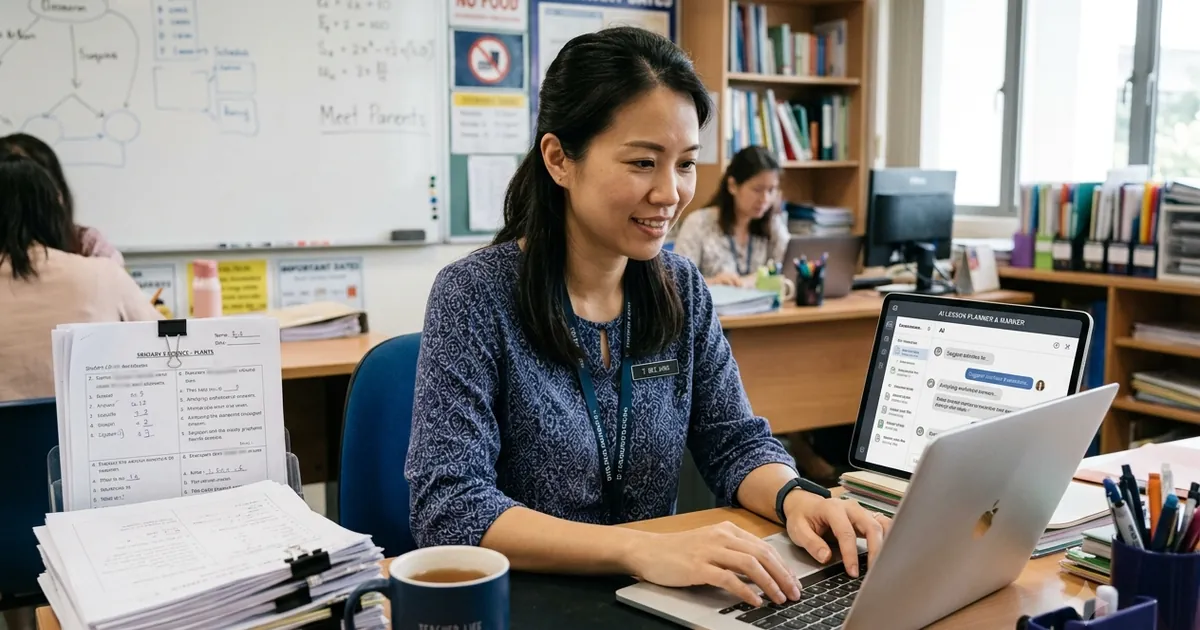
AI tools can save Singapore teachers and tutors hours each week on lesson planning, resource creation, differentiation, and feedback — freeing time for the human work of teaching — provided they are used with care for accuracy, curriculum alignment, and student-data privacy. At Ancourage Academy, we use AI this way ourselves, and our AI workshops for educators and tutors teach a practical, honest approach to the tools below.
The principle throughout: AI handles the repetitive preparation so the teacher can spend more energy on the parts of teaching only a human can do — reading a room, building trust, and diagnosing why a student is stuck.
Where Does AI Genuinely Help Teachers?
The biggest time savings come from the preparation and admin tasks that surround teaching, not from teaching itself. The time at stake is significant: a 2025 Gallup and Walton Family Foundation survey of US teachers found that those who use AI weekly save an average of 5.9 hours a week — about six weeks over a school year — mostly on planning, grading support, and administration.
- Lesson planning: Generating lesson outlines, activity ideas, and starter questions to adapt.
- Resource creation: Drafting worksheets, quizzes, and varied practice questions in seconds.
- Differentiation: Producing easier and harder versions of the same task for mixed-ability classes.
- Feedback drafts: Suggesting feedback phrasing on common errors, for the teacher to personalise.
- Admin and communication: Drafting parent emails, summarising notes, and organising information.
Which AI Tool Categories Should Teachers Know?
Rather than chasing brand names, it helps to think in four categories, since the underlying tools change quickly — general assistants (ChatGPT, Claude, Gemini) for planning and drafting, note-to-study tools that turn your own materials into quizzes and summaries, MOE's SLS AI tools for governed, syllabus-aligned practice, and presentation or image tools for lesson visuals.
| Category | Use for | Note |
|---|---|---|
| General assistants (ChatGPT, Claude, Gemini) | Planning, drafting, differentiation, feedback ideas | Verify against the syllabus; never input student personal data |
| Note-to-study tools (e.g. Gemini Notebook, formerly NotebookLM) | Turning your materials into quizzes and summaries | Keeps outputs grounded in your own content |
| MOE SLS AI tools | Curriculum-aligned practice and feedback within school | Governed, supervised, aligned to the syllabus |
| Presentation and image tools | Slides and simple visuals for lessons | Check licensing and accuracy of generated visuals |
Writing clear instructions makes all of these far more useful — the same skill students need, covered in our prompt engineering guide.
How Should Teachers Handle Privacy and Responsible Use?
The most important rule for educators is to never put identifiable student data into general AI tools. School data-protection policies — and, for private tutors and other non-government providers, Singapore's Personal Data Protection Act — govern how student information may be handled, and most general AI tools are not approved environments for it. Use anonymised or generic inputs, keep marking of identifiable student work within approved school systems, and treat MOE's SLS as the governed option for student-specific learning activities.
What Should AI Not Do for Teachers?
AI is a preparation assistant, not a replacement for professional judgement.
- High-stakes grading: Final marks and report-card judgements need a teacher's view, not an automated verdict.
- Unverified content: AI can be confidently wrong; every generated resource needs a subject-expert check before use.
- The relationship: Motivation, trust, and reading a struggling student are human work AI cannot do.
How Ancourage Academy Trains Educators
At Ancourage Academy, we train educators to use AI as a time-saving assistant while keeping teaching judgement and student privacy firmly with the teacher. Our workshops for educators cover practical planning and feedback workflows, the privacy lines to respect, and how to verify AI output against the Singapore curriculum. We also offer private one-to-one coaching for educators who want a tailored session.
Explore our full range of AI workshops, or read how AI features already appear in schools via MOE's SLS AI tools.
How Can a Teacher Start with AI?
The easiest way for a teacher to begin is to pick one weekly preparation task and hand its first draft to AI. Generating a worksheet, drafting a set of differentiated questions, or outlining a lesson are low-risk starting points where a teacher's review catches any errors before students see them. Once that single task is reliably saving time, add a second. This one-task-at-a-time approach builds confidence and a clear sense of where AI genuinely helps versus where it gets in the way — far more useful than trying to adopt a dozen tools at once. The teacher stays in control of quality throughout.
How Should Teachers Teach Students to Use AI?
In front of a class, the same principles that make AI useful for lesson preparation apply: show students how to use AI honestly — to explain a concept, quiz themselves, or check their own work — and model the judgement, honesty and healthy scepticism you want them to develop. Doing so is itself part of good teaching, and our guides on prompt engineering for students and AI and academic integrity are written to be shared directly with classes. Educators of younger children may also find our overview of AI safety for children helpful when advising parents.
The principle is consistent at every level: model the judgement, honesty, and healthy scepticism you want students to develop. When teachers use AI thoughtfully themselves and teach students to do the same, AI strengthens learning across the whole classroom rather than quietly undermining the very skills it is meant to support.
"AI should give teachers time back, not take their judgement away," says Archer Yu, who leads Ancourage Academy's AI Workshops. "Let it draft the worksheet; keep the marking, the feedback and the relationship firmly human."
Common Questions About AI Tools for Teachers
Which AI tools are most useful for teachers?
General assistants like ChatGPT, Claude, and Gemini are most useful for planning, drafting resources, and differentiating tasks, while note-to-study tools turn your own materials into quizzes and summaries. Within school, MOE's SLS AI tools provide curriculum-aligned, governed support. The most useful tool is the one applied to your most repetitive preparation task.
Can teachers use AI to mark student work?
AI can help draft feedback phrasing and flag common errors, but final marks and high-stakes judgements should remain with the teacher. Crucially, identifiable student work should be kept within approved school systems, not pasted into general AI tools, in line with Singapore's data-protection rules and school policy.
Is it safe to put student data into ChatGPT?
No. Identifiable student information should not be entered into general AI tools, which are not approved environments for handling personal data under school data-protection policies (and, for non-government settings, the PDPA). Use anonymised or generic inputs for general tools, and rely on governed systems like SLS for anything student-specific.
Will AI replace teachers?
No. AI can take over repetitive preparation and admin, but it cannot build relationships, motivate a reluctant learner, or diagnose the misconception behind a wrong answer. Used well, it gives teachers more time for exactly the human work that AI cannot do.
Learn more through our practical training for tutors and teachers and the wider AI workshops range. If you also run a business, our guide to AI tools for small businesses in Singapore covers practical starting points. When marking student work, it is worth knowing what AI detectors can and cannot prove.